Is Nuance Labs Emma AI Safe?
Whenever a viral AI demo jumps into thousands of daily searches, two safety questions matter immediately: how the real platform handles your live camera and microphone stream, and how to avoid opportunistic fake apps or phishing clones riding the hype.
Use this security and privacy checklist before starting a browser call or integrating the Nuplex Beta API.
1. Browser Camera & Microphone Privacy Hygiene
Because Nuplex 1.0 is a cloud-hosted audiovisual model, any audio or camera frame you enable during an active call must stream over WebRTC to Nuance Labs' servers for real-time inference. Standard browser security gives you direct control over that boundary:
- Use per-session permission prompts: Choose "Allow this time" instead of "Always allow" in Chrome or Safari so the tab cannot reactivate your camera later.
- Camera is optional: If you want to test conversational speed without sending facial video, keep the webcam toggled off and test voice-plus-avatar output first.
- Clear your desk background: Before turning on video, make sure whiteboards, shipping labels, credit cards, or secondary monitors with sensitive data are out of frame.
- Never read secrets aloud: Treat every preview AI call like a recorded technical demo; never speak passwords, private keys, medical records, or financial account numbers.
2. How to Spot Fake Emma AI Downloads & Scams
High-velocity AI launches routinely attract fake download portals and paywall traps within 48 hours. Verify these four red flags immediately:
- No desktop installer exists: Real Emma and Nora demos run inside your browser without downloading any
.exe,.dmg, or Android.apkfile. - No credit card needed for consumer preview: The public browser playground requires no account and no upfront payment card. Sites demanding a card to access Emma chat are third-party wrappers or scams.
- No "unrestricted 18+" version: Nuance Labs explicitly bans romantic/NSFW companion use and minors under 18. Any ad promising "uncensored Emma AI" is unrelated to Nuance Labs.
- Verify the exact domain before signing in: Developer API access lives only on Nuance Labs' official platform portal, never via Telegram bots or shortened links.
Safety Verdict Summary
| Check Item | Status | Action for Users |
|---|---|---|
| Malware / Executable Risk | Low (Browser-Only) | Never download third-party Emma EXE or APK files |
| Audio/Video Cloud Streaming | Active During Calls | Use "Allow this time" and keep private items off-camera |
| Synthetic Video Transparency | Visible Watermark | Expect mandatory visible watermarks on all outputs |
| Restricted Policy Zones | Strictly Enforced | Not permitted for under-18, romantic bots, or medical advice |
Ready to configure a clean browser session? Review our How to Use Guide or compare enterprise-ready Emma AI Alternatives with published data-processing agreements.
Call Audio & Video Hardware
Disclosure: As an Amazon Associate we earn from qualifying purchases made through webcam, microphone, and lighting recommendations on this page at no extra cost to you.
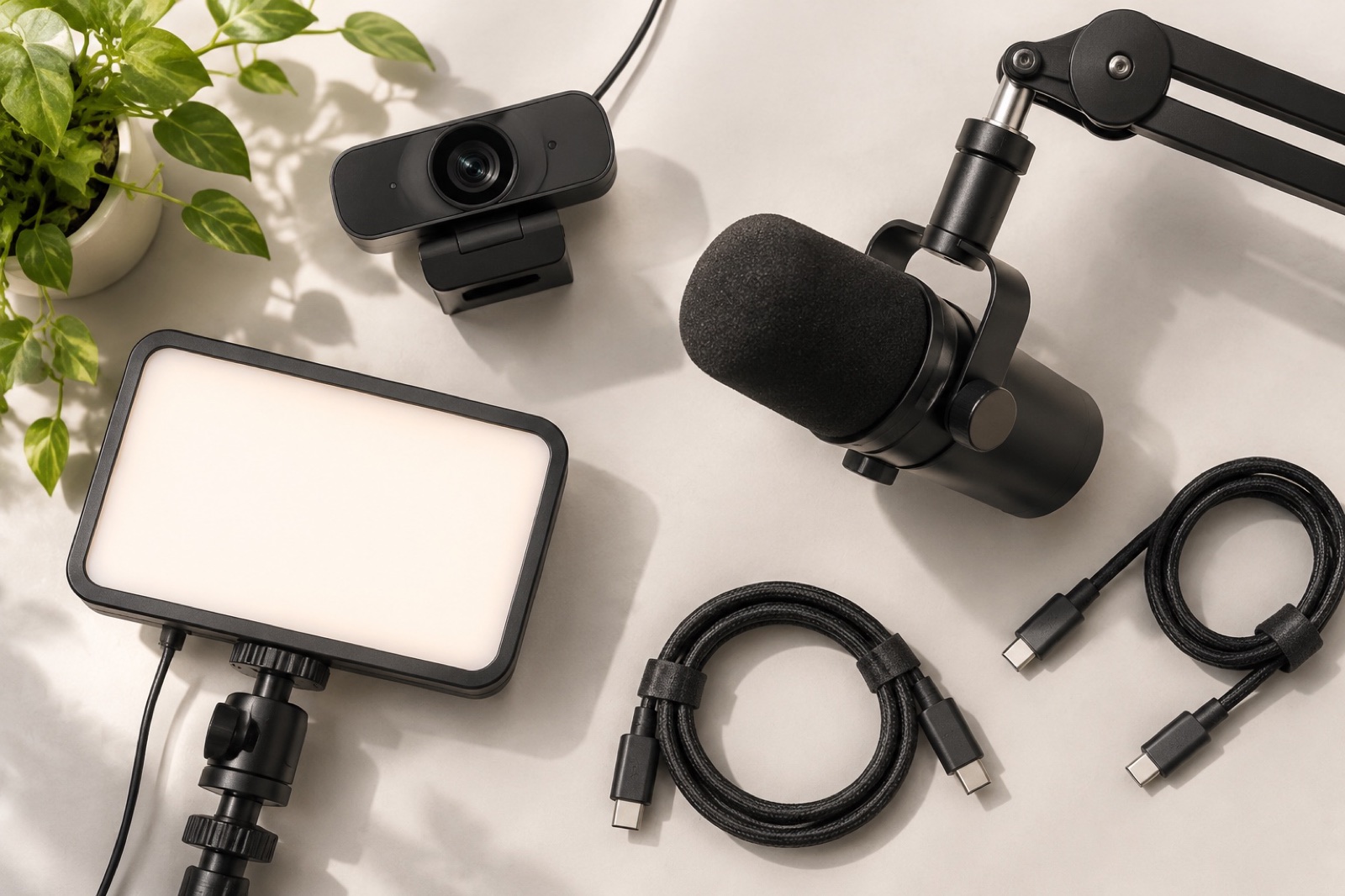
4K Autofocus Streaming Webcam
Clear low-light 60 fps facial capture so full-duplex visual models read nods and micro-expressions accurately.
USB Cardioid Condenser Microphone
Focused directional speech pickup reduces room echo and prevents false barge-in triggers during live AI calls.
Desk Key Light LED Panel
Balanced soft daylight prevents backlit silhouettes when testing camera-enabled browser sessions with Emma or Nora.
Nuance Labs Emma AI Safety FAQ
Is Nuance Labs Emma AI safe to open in a browser?
The official browser preview runs inside standard WebRTC browser sandboxes with no executable installer required. You control microphone and webcam permissions per tab and can revoke them anytime.
Is there an official Emma AI Windows EXE or Android APK download?
No. Nuance Labs runs Emma and Nora in the web browser and exposes developer tools via a web API. Treat any third-party site offering an Emma AI EXE installer or modded APK as a high-risk clone.
Do I have to turn on my webcam to talk to Emma?
No. Microphone access is needed for speech, while camera input is optional. You can test live conversation with your camera switched off if you prefer extra privacy.
What personal details should I avoid sharing during a live AI video call?
As with any cloud-hosted AI beta preview, avoid showing government IDs, financial documents, private home addresses, or confidential workplace screens to the webcam or reading passwords aloud.